Case study
ShieldX.
A zero-knowledge password manager that encrypts in your browser
- Role
- Solo project: design, frontend, backend and security model
- Stack
- React, TypeScript, Express, REST API, Supabase, Web Crypto, Tailwind CSS
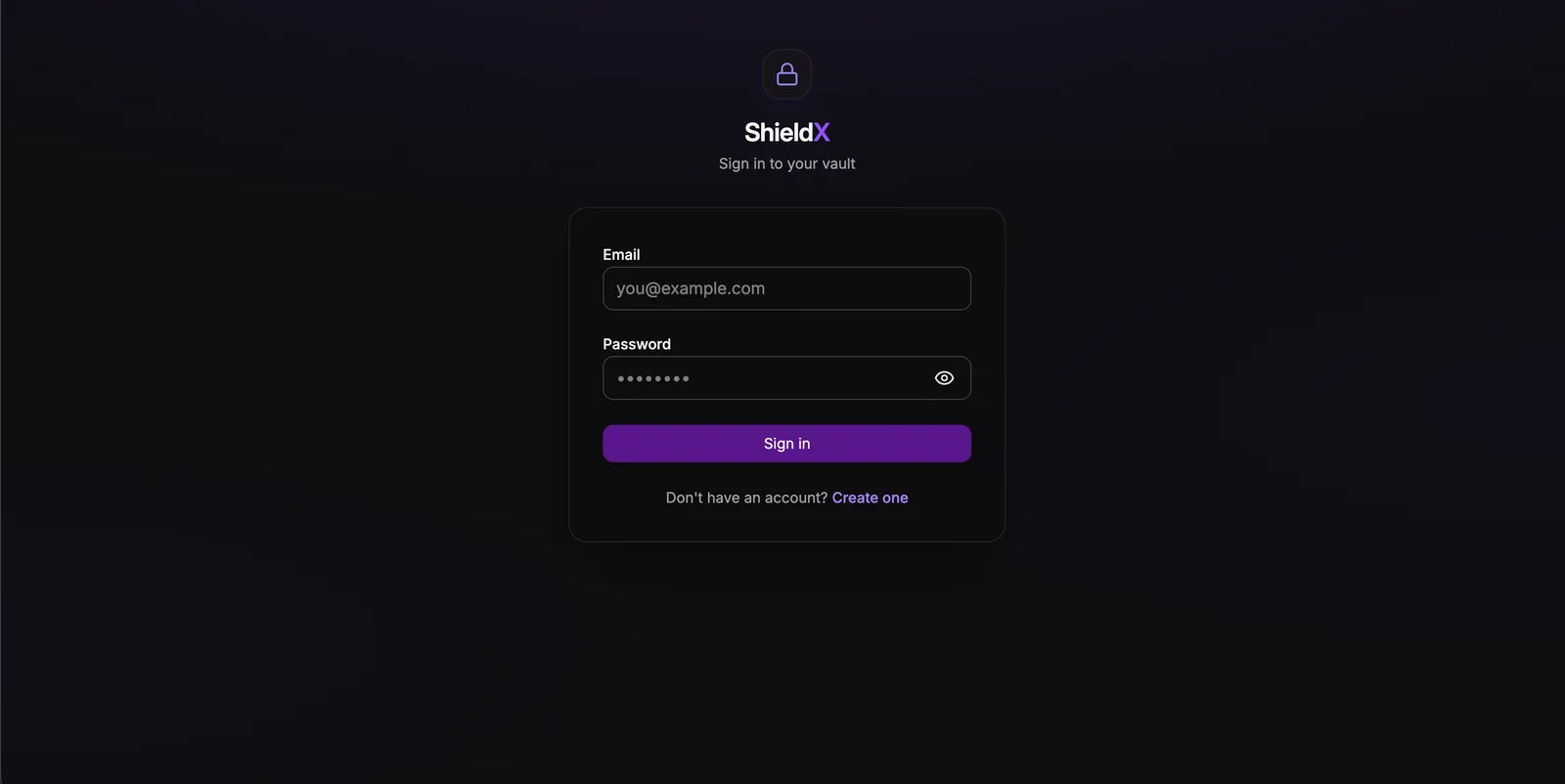
The problem
A password manager has to store people's most sensitive data without the server ever being able to read it. Signing in to an account and unlocking the vault have to stay separate, so a stolen session alone can't expose any passwords.
The solution
ShieldX encrypts every password and username in the browser before it leaves the device. The key comes from a master password that is separate from the account login, and it's never sent to or stored on the server. The backend only ever sees ciphertext, and decrypted values are kept short-lived through auto-lock, on-demand reveal and automatic clipboard clearing.
Architecture
- 01
React 19 client
React 19, TypeScript, Vite and Tailwind with Radix/shadcn components. Auth and vault state live in two React contexts; a vault gate decides between creating a master password, unlocking, or showing the vault.
- 02
Web Crypto layer
PBKDF2-SHA256 with 600,000 iterations and a 16-byte random salt derives a non-extractable AES-256-GCM key. Every encrypted value gets its own random 12-byte IV.
- 03
Express API
14 REST routes for categories, items, trash and vault setup, behind helmet, CORS, rate limiting (300 requests per 15 minutes), a 100 kb body limit and hand-written validation on every field.
- 04
Supabase
Email and password auth. The API verifies each JWT, then queries Supabase as that user, and also filters every query by user id, so a missing database policy still can't leak another user's data.
Highlights
- AES-256-GCM with PBKDF2 at 600k iterations
- Server only stores ciphertext for secrets
- Biometric unlock with WebAuthn PRF
- 15-minute idle lock, 8-hour session cap
- Clipboard cleared 30 seconds after copy
- Password generator without modulo bias
- Encrypted backups plus CSV import from Chrome, Bitwarden, 1Password, LastPass and Safari
- Trash with 30-day retention and restore
- Strict CSP checked at build time
Challenges
Verifying the master password without storing it
At setup, a fixed check value is encrypted with the derived key. Unlocking just tries to decrypt it; AES-GCM refuses with the wrong key, so a successful decrypt proves the password without the server ever holding it. An earlier version encrypted the master password itself as the check, which anyone with the key could recover, so the format was changed and old vaults are still accepted.
Upgrading security without locking anyone out
Raising PBKDF2 from 100k to 600k iterations would break existing vaults, and the database didn't record which count each vault used. Unlock tries the new count first and falls back to the old one, so older vaults keep working.
Keeping the key safe across reloads
The vault key originally sat in sessionStorage as raw bytes. It now lives in IndexedDB as a non-extractable CryptoKey, so scripts can use it but never read it, and the old storage is cleaned up automatically. Reloading the page can't extend the 8-hour session or skip the idle lock.
Biometric unlock with no server involved
WebAuthn's PRF extension produces a device-bound secret, which is turned into a wrapping key with HKDF to encrypt the vault key on that device only. Most browsers return no PRF output at registration, so a second authentication call fetches it, and stale enrolments are detected and removed automatically.
Clipboard clearing that actually works
Browsers only allow clipboard access while the page has focus, so the 30-second clear is retried when the tab regains focus. It only clears if the clipboard still holds the copied secret, so it never wipes something else the user copied.